
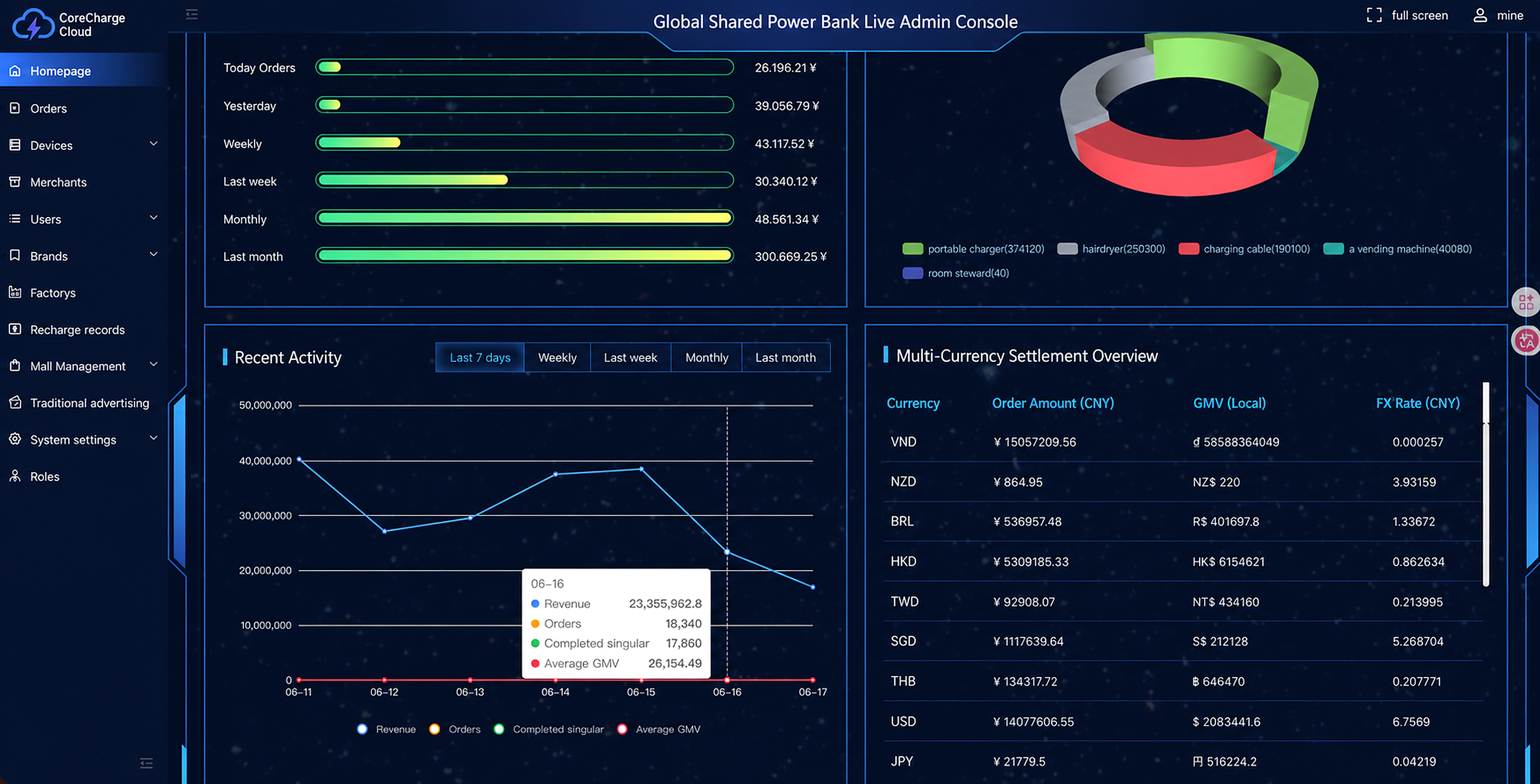
Shared power bank rental software integration is the verified connection between a rental station, QR-based H5 or app flow, order records, payment outcomes, returns and operator support. For overseas operators, the important question is not whether an API exists. It is whether every state can be traced, retried and explained during a real pilot.
CoreCharge Cloud provides shared power bank SaaS and launch-planning support for operators, agents and local brand teams. The checklist below helps a buyer define the evidence needed before connecting hardware, payment services and venue operations. It does not replace payment-provider review, local legal advice or hardware certification.
Start with one system of record
Before development begins, decide which system owns each state. A station can report that a slot opened while a payment provider reports that authorization failed. Without clear ownership, the user may see an error while the dashboard shows an active rental.
The integration plan should identify the source of truth for:
- Station, slot and battery identity.
- Unlock request, acknowledgement and timeout.
- Order creation, active rental and closure.
- Payment authorization, charge, cancellation and refund review.
- Return confirmation and disputed-return handling.
- Merchant, venue, agent and operator access.
Device protocol and API evidence
Ask the hardware supplier for more than an endpoint list. The operator needs command definitions, sample payloads and expected behaviour when a station is offline or a command is repeated.
- Stable station, slot and battery identifiers.
- Slot status values and battery availability rules.
- Unlock or eject command acknowledgement.
- Return event and battery-to-slot reconciliation.
- Heartbeat, offline alert and recovery behaviour.
- Idempotency or duplicate-command handling.
- Firmware and protocol version fields.
- Test station access and technical escalation ownership.
The CoreCharge Cloud overseas rental software page explains how device management, orders, roles and pilot sizing fit into one operator workflow.
QR rental and payment workflow
A QR code should open the correct station context, not only a generic landing page. The H5 or app flow then needs to preserve that context through pricing disclosure, payment authorization and unlock.
| Workflow state | Evidence to request | Failure path to test |
|---|---|---|
| QR route | Station ID, language and market configuration load correctly | Invalid or replaced QR code |
| Payment authorization | Provider result is mapped to an order state | Decline, timeout or abandoned browser |
| Unlock | Device command and acknowledgement share one traceable order ID | Command accepted but no battery released |
| Active rental | Start time, tariff and device identity are visible | Duplicate callback or delayed status |
| Return | Slot event closes the correct rental | Battery inserted but return event delayed |
| Settlement or refund review | Payment and return records can be compared | Charge dispute, partial failure or manual review |
For the browser-based option, review the H5 shared power bank rental platform specification. For payment dependencies and limits, use the payment integration guide.
H5, native app or hybrid decision
The launch channel should match the pilot, not a generic preference.
| Decision factor | H5-first | Native app | Hybrid |
|---|---|---|---|
| First access | QR opens a browser flow without an app download | User installs and opens the app | QR can route new users to H5 and returning users to the app |
| Typical priority | Fast pilot validation and lower entry friction | Account retention and deeper app functions | Market testing with a later migration path |
| Integration focus | Browser payment return, session state and QR context | App-store release, account lifecycle and deep links | Shared order and device APIs across both clients |
| Main dependency | Mobile browser and provider compatibility | Store review and supported device versions | Consistent identity and order states between channels |
Choosing H5 does not remove integration work. It changes the work toward browser sessions, payment redirects, return URLs and clear support recovery. The H5 versus native app guide provides a broader launch comparison.
Operator, agent and venue roles
Define access before pilot data appears. An operator may need full configuration access, while an agent needs assigned-device and merchant reports, and a venue only needs a narrow view of its stations or support contacts.
Confirm who can:
- Add or reassign a station.
- Change rental rules and market settings.
- View orders and payment references.
- Review failed unlocks, returns and refund cases.
- Export merchant or agent reports.
- Receive offline-device alerts.
Role boundaries should be tested with real pilot accounts rather than assumed from a dashboard screenshot.
Pilot acceptance checklist
One successful rental is not an acceptance test. Run repeatable scenarios and record the order ID, station ID, device ID, payment result and operator action for each result.
- Successful authorization, unlock and return.
- Authorization failure with no unlock.
- Unlock timeout with no active rental.
- Duplicate callback without duplicate order or charge.
- Station offline before and during a rental request.
- Return event delayed or matched to the wrong slot.
- Refund or manual-review record linked to the original order.
- Agent and venue reports limited to assigned data.
- Language, tariff and support information matched to the target market.
Operators planning a Malaysia pilot can use the Malaysia white-label shared power bank system guide to connect this checklist with H5, local payment review, station planning and agent operations.
What to send for an integration review
Send the target market, station models, protocol document, preferred H5 or app path, payment-provider candidates, expected agent or merchant structure and pilot quantity. Include the failure cases already tested and the dependencies that are still unknown.
CoreCharge Cloud can then help scope the SaaS flow, device connection, operator roles and pilot acceptance plan. Final hardware compatibility, payment availability and launch timing depend on the supplied protocol, provider review and test results.
Continue from the checklist to the owning specification
This checklist remains supporting guidance. Use the following canonical pages to evaluate each implementation decision:
- Review the overseas shared power bank rental software specification for the full operator workflow.
- Match station slot capacity to venue demand and service cadence before selecting a pilot format.
- Test the H5 payment, unlock, return and refund UAT sequence with explicit exception evidence.
- Check agent dashboard, payment, refund and reconciliation fields against operating roles.
- Open the canonical UAE market guide for country-scoped planning without assuming provider approval or local readiness.